

Introduction:
Minecraft is more than just a game; it’s a world of endless possibilities. One of the best ways to customize your experience is through Minecraft Mods. These mods are user-created modifications that add new content, features, and functionality to the game, letting players personalize their adventures like never before.
Why Minecraft Mods Are Popular
Minecraft Mods have gained immense popularity in the US and UK due to their ability to:
- Enhance Gameplay: Add new items, creatures, and mechanics.
- Increase Creativity: Customizable worlds and tools for builders.
- Make Gaming Fun: Unique challenges, mini-games, and adventures.
- Community Engagement: Join servers that support mods and multiplayer mods.
For example, mods like OptiFine improve graphics, while Biomes O’ Plenty adds new environments, making the game visually stunning.
Types of Minecraft Mods
Minecraft Mods come in various types, each designed to enhance specific aspects of the game:
1. Gameplay Mods
RLCraft – Turns Minecraft into a hardcore survival adventure.
- Tinkers’ Construct – Customizable tools and weapons for players.
2. Visual & Graphics Mods
Improve the look and feel of Minecraft:
- OptiFine – Enhances graphics and performance.
- Shaders Mod – Adds realistic lighting, shadows, and water effects.
3. Utility Mods
These mods help with game management:
- JourneyMap – Adds an interactive map for navigation.
- Inventory Tweaks – Automatically sorts inventory items.
4. Fun & Creative Mods
Add new ways to play and enjoy Minecraft:
- Mo’ Creatures – Introduces new animals and monsters.
- Lucky Blocks – Adds unpredictable surprises for every block broken.
How to Install Minecraft Mods
Backup Your Game: Always backup your Minecraft files before installing mods.
- Install Minecraft Forge or Fabric: These are mod loaders needed for most mods.
- Download Mods: Only use trusted sources like CurseForge or Planet Minecraft.
- Place Mods in the Mods Folder: Copy the mod files into your
minecraft/modsdirectory. - Launch Minecraft: Start the game with the mod loader and enjoy your new features!
Pro Tip: Ensure the mod version matches your Minecraft version to avoid crashes.
Best Minecraft Mods for 2025
Here’s a curated list of top Minecraft Mods loved by players in the US and UK:
- OptiFine – Best for performance and graphics.
- Biomes O’ Plenty – Explore new biomes and landscapes.
- RLCraft – Hardcore survival for challenge seekers.
- JourneyMap – Never get lost with real-time mapping.
- Mo’ Creatures – Add animals and fantasy creatures to your world.
Tips for a Smooth Minecraft Modding Experience
- Always update mods when new versions of Minecraft are released.
- Check mod compatibility before installation to prevent crashes.
- Join Minecraft modding communities for tips, support, and recommendations.
- Use dedicated mod packs if you want multiple mods preconfigured.
RagedVenom’s Modded Minecraft Adventures
Minecraft But, You Can Combine More Items…!!
Discover how combining items can lead to unexpected and powerful results.
- Minecraft But, There Are Custom Fishing Rods…!!
Explore the world of custom fishing rods and their unique abilities. - Minecraft But, You Can Duplicate Items!!
Learn the art of item duplication and its impact on gameplay. - Minecraft But, There Are Custom Horsemen Weapons…!!
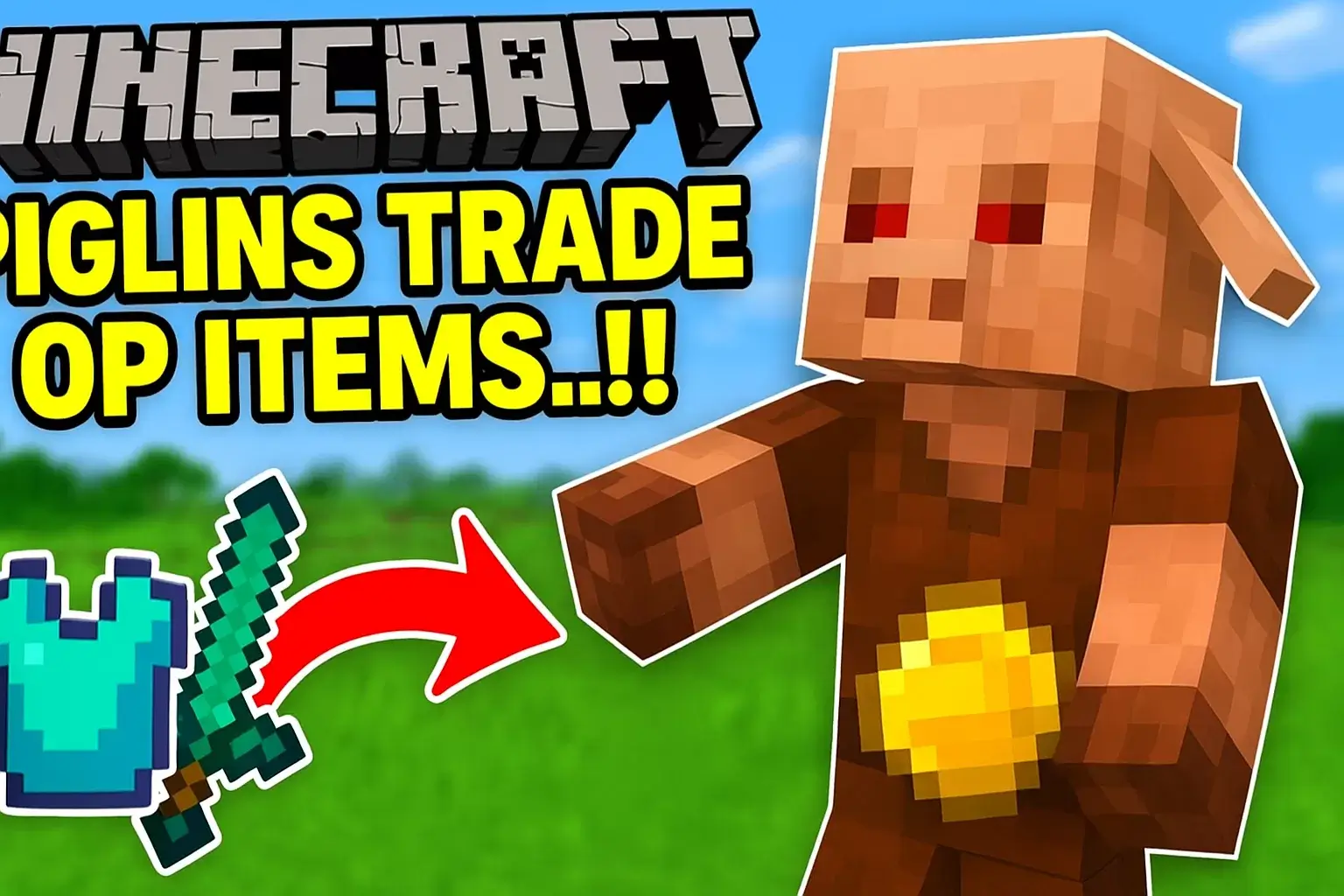
Unveil the power of custom weapons and their effects on the game world. - Minecraft But, Mobs Trade Custom OP Items!!
See how mobs can offer powerful items through trading.
Conclusion
Minecraft Mods are the key to transforming your Minecraft world. From enhancing graphics to creating exciting new gameplay mechanics, there’s a mod for every type of player. Whether you’re in the US, UK, or anywhere in the world, mods give your Minecraft adventure a personal touch.
Start exploring today and see why millions of players swear by the magic of Minecraft Mods!
Dive into the world of Minecraft Mods now and watch the most epic adventures on RagedVenom YouTube!
Minecraft Mods let you create endless adventures. If you want extra challenges while using mods, check out our Minecraft Survival Challenges post for unique ways to play!
Last Updated on October 28, 2025 by The Mineraft Insider


34 thoughts on “Minecraft Mods: The Ultimate Guide to Enhance Your Gameplay”
Comments are closed.