

Minecraft Bedrock Edition Tutorial — Complete 2025 Guide for Beginners and Pros
Whether you’re brand new to Minecraft or switching over from Java, this Minecraft Bedrock Edition tutorial is your ultimate step-by-step guide to mastering gameplay, building efficiently, and surviving the night — all in the latest 2025 update.
From crafting basics to redstone tricks, multiplayer tips, and creative mode secrets, this guide will help you understand every part of Minecraft Bedrock Edition gameplay in a clear, simple, and fun way.
Let’s jump into the blocky world of endless creativity — one tutorial at a time!
? What Is Minecraft Bedrock Edition?
Before diving into the actual Minecraft Bedrock Edition tutorial, it’s important to understand what makes Bedrock special.
Minecraft Bedrock Edition is the multi-platform version of the game, available for Windows 10/11, Xbox, PlayStation, Nintendo Switch, and mobile devices. It’s optimized for performance and designed for cross-platform play — meaning your friends on console and mobile can join the same world as you.
Key Bedrock Features (2025):
- Cross-play support across all devices
- Better FPS and loading speed than Java Edition
- Access to the Minecraft Marketplace for maps and skins
- Render Dragon Engine for stunning RTX visuals
- New Crafter Block, Copper Bulbs, and Armadillos added in the 2025 update
Bedrock is smoother, faster, and now nearly identical to Java in gameplay depth — perfect for players who love performance and flexibility.
?️ Getting Started — The Basics of Minecraft Bedrock Edition
When you first load up Minecraft Bedrock Edition, you’re dropped into a vast, random world. Here’s your quick tutorial roadmap for the early game.
1. Gather Basic Resources
Punch trees to collect wood, then craft planks and sticks. These will be the foundation of your early tools and shelter.
Starter checklist:
- Collect 10–15 logs
- Craft a crafting table
- Make wooden tools (pickaxe, shovel, sword)
- Gather stone to upgrade your tools
2. Build Your First Shelter
Nighttime in Minecraft brings monsters — zombies, skeletons, spiders, and the infamous creeper. Build a simple dirt or cobblestone house before sundown.
3. Craft Essential Tools
Upgrade quickly from wood to stone or iron. Don’t waste time building a full set of wood tools — go straight to stone when possible.
Pro tip: Craft a furnace early to cook food and smelt ores.
4. Survive the First Night
Light your area with torches, eat cooked food, and rest in a bed to skip the night. You’ve officially survived your first day in Minecraft Bedrock Edition!
? Exploring Your World — Bedrock Adventure 101
Exploration is the heart of Minecraft. This Minecraft Bedrock Edition tutorial section focuses on finding resources, locating structures, and understanding world generation.
1. Learn Biome Basics
Bedrock includes dozens of biomes — deserts, jungles, cherry groves, caves, and the Nether. Each biome offers unique blocks, mobs, and treasures.
2025 Update Note:
The new Biome Blending system creates smoother transitions between environments, making exploration feel more realistic.
2. Use Coordinates and Maps
Enable coordinates in your game settings — it helps you navigate and return to your base. Craft a map using:
- 8 paper + 1 compass = 1 locator map
3. Find Villages Early
Villages offer food, loot, and villagers for trading. You can also start iron farms later using villagers.
Explore the best world seeds at RagedVenom’s Minecraft Seeds to find beautiful terrain for your next adventure.
⚒️ Building Tips — Create Like a Pro in Bedrock
Building is where creativity shines. This part of the Minecraft Bedrock Edition tutorial helps you design beautiful structures, even if you’re a beginner.
1. Start Simple
Build a compact starter base near water or plains. Use mixed materials like oak wood and cobblestone for texture.
2. Learn Block Combinations
Mix and match blocks with contrast — light and dark tones, rough and smooth surfaces.
3. Add Depth
Avoid flat walls! Add stairs, slabs, and trapdoors for visual depth and detail.
4. Decorate With Plants & Lighting
Glow berries, lanterns, and flower pots add life to your base.
For advanced building inspiration, check out RagedVenom’s Minecraft Builds.
? Redstone Basics — The Power of Automation
No Minecraft Bedrock Edition tutorial is complete without redstone. Redstone is Minecraft’s version of electricity, and it powers everything from doors to complex machines.
Simple Redstone Builds to Start With:
- Automatic door
- Hidden piston trap
- Crop harvester
- Item sorter
Key Components:
- Redstone Dust: Transmits power.
- Repeater: Extends signal strength.
- Observer: Detects block updates.
- Comparator: Measures container output.
? Pro Tip: Bedrock’s redstone works slightly differently than Java — test your builds to make sure timings match your version.
? Surviving Smarter — Combat & Farming Tips
The 2025 update refined Minecraft Bedrock Edition combat, adding smoother hit detection and mob intelligence. Here’s how to dominate survival mode:
1. Learn Mob Attack Patterns
- Zombies move in groups.
- Skeletons dodge and shoot faster.
- Creepers explode quicker than in Java Edition.
2. Farming Made Easy
- Create automatic farms using water flow or redstone.
- Use bone meal to grow crops instantly.
- Villager trading farms can generate infinite emeralds.
? Exploring the Nether and End
Once you’ve got iron or diamond gear, it’s time to explore advanced dimensions.
1. The Nether
Craft a Nether portal with obsidian (10 blocks minimum) and flint & steel. Watch out for ghasts and blazes — bring fire resistance potions.
2025 Update: Nether fortresses now contain enhanced loot tables, including enchanted armor and tools.
2. The End
Defeat the Ender Dragon using bows, beds (explosive damage), and potions.
Collect elytra wings in End Cities for flight — a true milestone in your Minecraft journey.
? Creative Mode Tutorial — Build Without Limits
Creative mode lets you design anything you can imagine. It’s perfect for experimenting with block combinations or massive projects.
Creative Tools You Should Master:
- Structure Blocks: Save and load entire builds.
- Command Blocks: Automate world effects.
- Flat Worlds: Build on blank canvases with no terrain interference.
If you’re a creator or builder, this Minecraft Bedrock Edition tutorial helps you transform your ideas into breathtaking structures.
⚙️ Multiplayer & Realms Guide
Bedrock’s multiplayer options are smooth and beginner-friendly.
How to Play With Friends:
- Use Xbox Live or Microsoft accounts for cross-play.
- Join Realms, Mojang’s official private servers.
- Create or join community servers from trusted sources.
? Tip: Realms Plus (2025 version) includes monthly content packs, skins, and adventure maps.
? Useful Resources for Players
Level up your experience with these trusted pages:
- Minecraft Official Site — Patch notes and updates
- Planet Minecraft — Tutorials, skins, maps
- Minecraft Fandom Wiki — Detailed game guides
- RagedVenom’s Minecraft Mods — Bedrock-compatible mods
?️ Image Suggestions
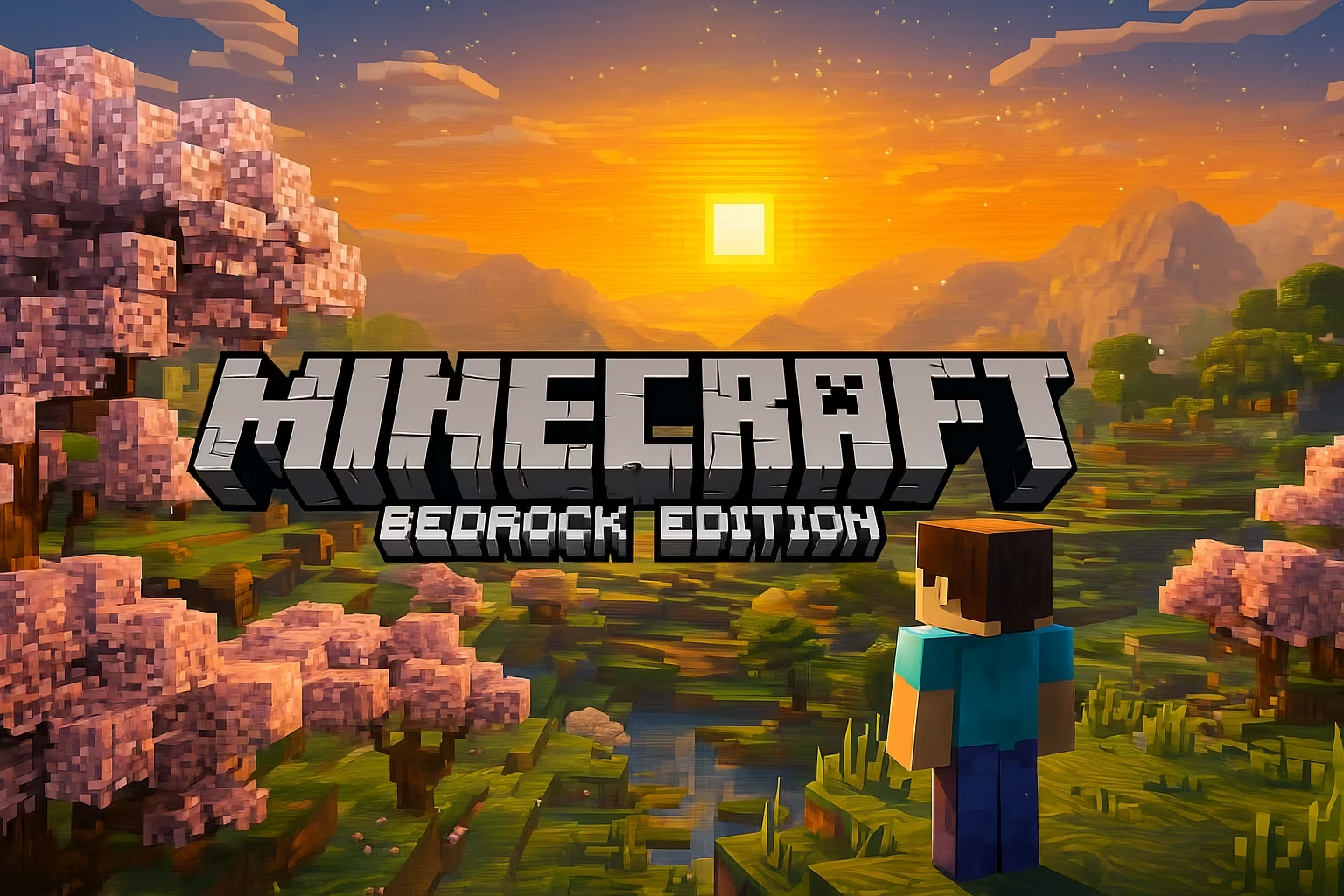
- A player building a modern house in Minecraft Bedrock Edition (Alt: A Minecraft player exploring the world at sunrise — Minecraft Bedrock Edition tutorial 2025)
- A close-up of crafting tools and furnaces in Bedrock Edition.
- A survival base beside a cherry blossom forest.
? Conclusion
Minecraft in 2025 is more accessible, creative, and powerful than ever — and this Minecraft Bedrock Edition tutorial gives you everything you need to begin your journey.
From your first dirt hut to massive redstone-powered bases, Bedrock Edition makes building and surviving across platforms smoother than ever. Whether you’re on PC, mobile, or console — your adventure starts here.
? Subscribe to the RagedVenom YouTube channel — https://youtube.com/@RagedVenom?sub_confirmation=1