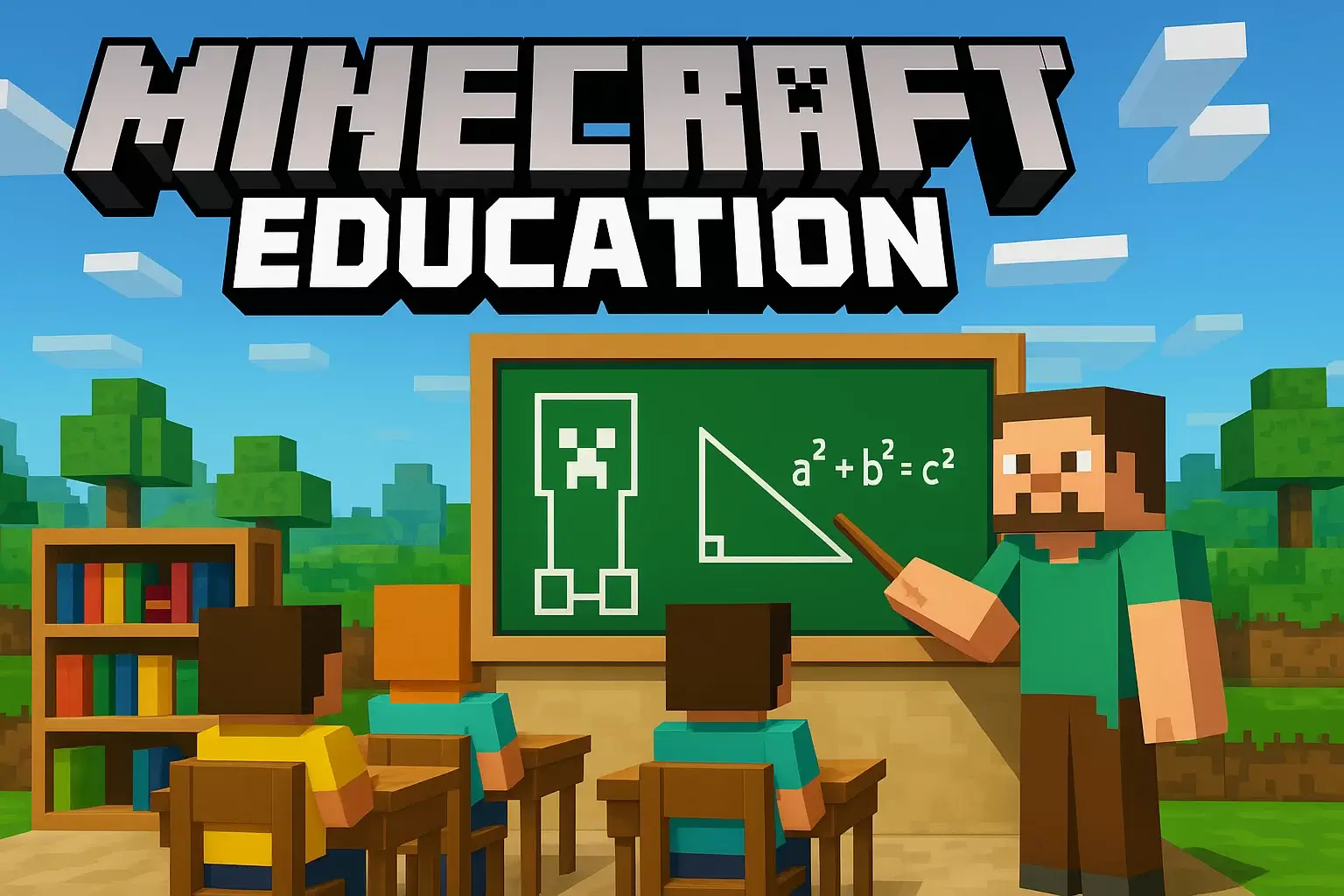
Have you ever imagined turning your favorite blocky world into a classroom? Welcome to Minecraft Education — where learning meets adventure, and creativity knows no limits.
Whether you’re a student exploring virtual ecosystems, a teacher building interactive lessons, or just a curious gamer, Minecraft Education bridges fun and knowledge like no other game can. Let’s dive deep into how this innovative platform transforms classrooms, sparks creativity, and helps millions of players learn the smart way — one block at a time.
? What is Minecraft Education?
At its core, Minecraft Education (officially Minecraft: Education Edition) is a special version of the iconic sandbox game designed specifically for learning and teaching. Developed by Mojang Studios and supported by Microsoft, it turns traditional education into an immersive, interactive adventure.
Unlike the regular version, Minecraft Education includes:
- Classroom tools like Code Builder, Immersive Reader, and Lesson Plans
- Safe multiplayer options for student collaboration
- Over 600+ curriculum-aligned lessons across subjects like math, coding, history, and chemistry
➡️ You can learn more directly from Minecraft.net’s official Education page.
It’s not just about mining and crafting — it’s about problem-solving, critical thinking, and teamwork. Teachers around the world now use Minecraft Education to build real-world skills in a virtual world.
? Why Minecraft Education Matters in 2025
The global shift toward digital learning has made Minecraft Education more relevant than ever. With over 35 million licensed users in 115 countries, it has evolved from a game into a revolutionary educational platform.
Here’s why schools and students love it:
- Learning Through Play: Students grasp complex concepts faster when they’re playing instead of memorizing.
- Real-World Simulation: Science experiments, ancient civilizations, or even sustainable farming — all recreated in Minecraft worlds.
- Inclusive for All Ages: From grade-school coding to high-school chemistry, it adapts to every level.
- Collaboration & Communication: Teamwork is baked into the gameplay. Build, code, and solve together.
? Explore more learning adventures on www.ragedvenom.com/minecraft-education.
? How Minecraft Education Works
Minecraft Education runs on the same foundation as the base game, but it’s tailored for structured lessons. Teachers can guide students through activities inside custom-designed worlds — think of it as a digital lab mixed with creativity.
Key Features:
- Classroom Mode: Gives educators a dashboard to manage players, chat safely, and monitor progress.
- Code Builder: Integrates with MakeCode and Tynker, letting students learn coding through in-game challenges.
- Chemistry Update: Combine elements, craft compounds, and conduct experiments safely in-game.
- Nonviolent Learning: Focuses on exploration and creativity — no PvP distractions.
? Pro Tip: If you already play regular Minecraft, transitioning to Minecraft Education feels natural — just more purposeful.
? Learning Subjects Through Minecraft Education
One of the most powerful aspects of Minecraft Education is how it covers multiple school subjects interactively.
? Math with Minecraft
Want to teach fractions or geometry? Students can build shapes and ratios using blocks, measure area or perimeter, and visually understand math in 3D.
? Science Experiments
From crafting carbon dioxide in the Minecraft lab table to learning the periodic table, Minecraft Education transforms boring formulas into hands-on experiences.
? History & Geography
Students can recreate ancient Egypt, explore historical monuments, or simulate geography lessons through biome exploration. It’s like a field trip — without the bus.
? Coding & Computer Science
Through Code Builder, players write code that interacts with their worlds. They learn logic, sequencing, and automation — essential STEM skills for the future.
➡️ For more guides on Minecraft-based builds, check out www.ragedvenom.com/minecraft-builds.
? Minecraft Education vs Regular Minecraft
| Feature | Minecraft Education | Regular Minecraft |
|---|---|---|
| Purpose | Learning & teaching | Entertainment & creativity |
| Tools | Code Builder, Lesson Plans, Classroom Mode | Survival, Creative, Adventure modes |
| Multiplayer | Safe for classroom use | Public servers (less restricted) |
| Accessibility | Requires school license | Available to all |
| Focus | Collaboration & knowledge | Exploration & gameplay |
In short — Minecraft Education is the smarter sibling of the classic Minecraft game.
?? Teachers’ Favorite Lesson Ideas
Teachers around the world have crafted mind-blowing lesson plans using Minecraft Education. Here are a few favorites:
- Recreate Historical Events: Students rebuild the Great Pyramids or simulate medieval towns.
- Chemistry in Blocks: Build a working periodic table and craft actual compounds!
- Coding a Farm Bot: Teach loops and logic by creating automated farms.
- Global Sustainability: Use Minecraft biomes to discuss climate change and eco-living.
? Teachers love that students actually look forward to homework now!
?? How to Get Started with Minecraft Education
Starting with Minecraft Education is super simple:
Step 1: Check Eligibility
Schools or individuals can purchase licenses through education.minecraft.net.
Step 2: Download & Install
The app runs on Windows, macOS, iPad, and Chromebooks.
Step 3: Create or Join a World
You can start with existing educational templates or design your own learning world.
Step 4: Integrate Lessons
Access over 600+ ready-to-teach lessons categorized by age, subject, and skill level.
Step 5: Track Student Progress
The Classroom Mode dashboard helps teachers monitor and guide in real-time.
? Creative Builds to Inspire Learning
Learning doesn’t have to be confined to classrooms. With Minecraft Education, creativity thrives anywhere.
Some fun build ideas:
- A working solar system demonstrating planetary orbits
- A redstone-powered calculator for math lessons
- A Minecraft chemistry lab where students create compounds
- An eco-village project exploring renewable energy concepts
Each activity encourages problem-solving, teamwork, and real-world learning — all inside Minecraft!
? Explore more inspiration on www.ragedvenom.com/minecraft-builds.
? Connecting Minecraft Education with Real-World Skills
Minecraft Education teaches far beyond digital blocks — it builds life skills:
- Critical thinking: Finding creative solutions to in-game challenges
- Collaboration: Working with classmates in multiplayer builds
- STEM skills: Learning coding, logic, and design
- Environmental awareness: Exploring sustainability through virtual ecosystems
It’s not just playtime — it’s future-ready learning.
? Minecraft Education for Home Learning
You don’t have to be in school to enjoy it! Parents can also use Minecraft Education for homeschooling.
Benefits for Home Users:
- Safe, structured playtime
- Interactive lesson plans
- Promotes independent learning
- Encourages creative expression
???? Parents report higher engagement and better retention when lessons happen in Minecraft instead of a textbook.
? Top Alternatives & Add-Ons
Want to enhance your educational gameplay? Try these resources:
- PlanetMinecraft.com – for custom educational maps
- Minecraft Wiki on Fandom – for in-depth guides
- Minecraft Mods section on RagedVenom – for creative gameplay ideas
? Schools Using Minecraft Education
Over 400 schools globally have implemented Minecraft Education in classrooms. From Harvard to small town schools, educators report improved engagement, collaboration, and digital literacy.
A quote from a UK teacher:
“My students learned teamwork and coding faster in Minecraft than any textbook could ever teach.”
Now that’s education with excitement!
⚙️ Technical Requirements
| Requirement | Minimum | Recommended |
|---|---|---|
| OS | Windows 10+, macOS, iPadOS, ChromeOS | Latest versions |
| RAM | 4 GB | 8 GB |
| Storage | 1 GB free | 2 GB free |
| Internet | Required for multiplayer | Stable connection recommended |
? Pro Tip: If your PC runs Minecraft Java Edition smoothly, it will handle Minecraft Education easily.
? Tips to Optimize Learning with Minecraft Education
- Set clear goals for each lesson or build.
- Use in-game challenges to reinforce concepts.
- Encourage teamwork — split tasks among players.
- Reward creativity — allow students to showcase builds.
- Integrate coding projects with MakeCode for real programming skills.
? Final Thoughts: Why Minecraft Education Is the Future of Learning
In a world where screens dominate, Minecraft Education transforms screen time into learning time. It’s not just another educational tool — it’s an entire universe for exploration, imagination, and growth.
If you love Minecraft and believe learning should be fun, this platform is your gateway to smarter play.
? Explore more educational and creative Minecraft content at www.ragedvenom.com
? Subscribe to our YouTube channel @RagedVenom for weekly Minecraft adventures, tutorials, and fun gameplay!
Last Updated on October 30, 2025 by The Mineraft Insider

One thought on “Minecraft Education – Learn While You Play”
Comments are closed.